
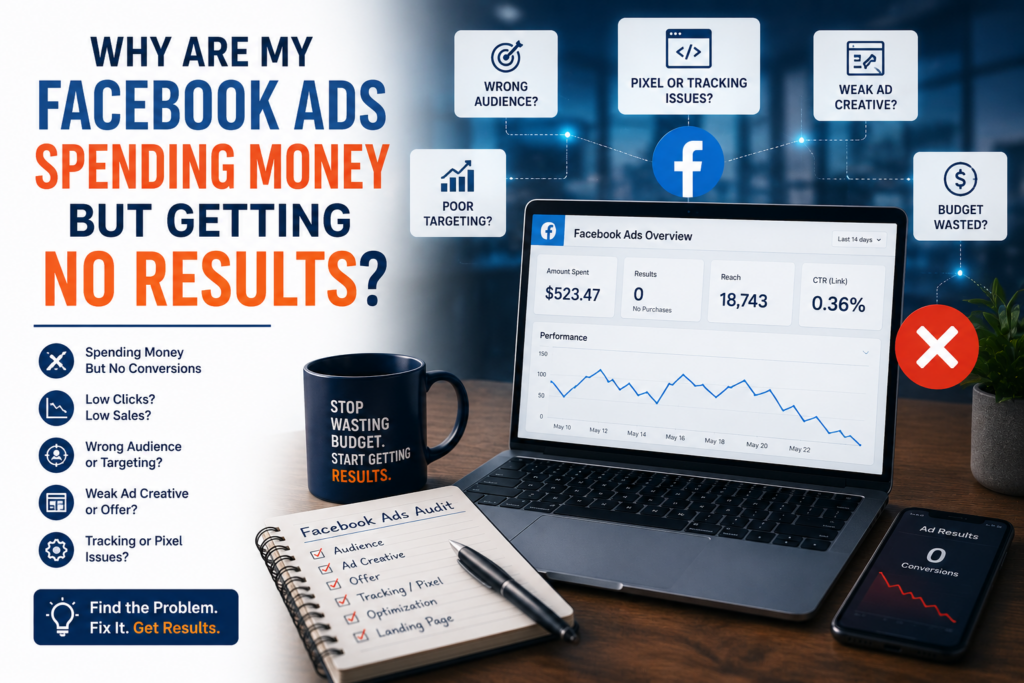

Here’s the direct answer: Facebook ads and Instagram ads almost always burn budget without results because of one of seven things, in this order of likelihood: a broken or mismatched pixel, optimising for an event with too little volume, a weak spot somewhere in the funnel (creative, landing page, or offer), targeting that’s too narrow or too broad, an ad set stuck in the learning phase, a daily budget too small for the niche, or creative that simply isn’t stopping the scroll. Work through them in that order — pixel and tracking issues alone solve roughly 90% of “no results” cases.
Quick summary:
- How to check your pixel and Conversions API setup first
- Why optimising for the wrong event starves Meta’s algorithm of signal
- How to diagnose exactly where in the funnel people are dropping off
- Getting audience size, learning phase, and budget right
- What a genuinely bad CTR looks like, with real benchmark numbers
Your Facebook ads are spending money but getting zero results — here’s exactly why and how to fix it, step by step. If paid social is one piece of a bigger struggle, our guide to the social media mistakes killing most businesses’ growth covers the organic side too.
Been running ads for 6+ years. Every week I see the same question: “Why is Meta burning my budget with nothing to show for it?” Here’s the full diagnostic checklist I use with clients.
Step 1: Check your Facebook ads pixel / Conversions API setup first
Go to Events Manager → Test Events and fire your conversion event manually.
- If it doesn’t show up, your pixel is broken — Meta is optimising for nothing.
- Use Meta’s official diagnostic browser extension — recently rebranded from “Facebook Pixel Helper” to Meta Ads Data Advisor — to verify it fires on the right page (thank-you page, not the checkout page) (Meta for Developers).
- Also check: is your campaign objective set to Conversions but your pixel only has PageView data? That’s a mismatch.
- If you’re not already running the Conversions API alongside the browser pixel, set it up. Server-side tracking catches conversions that iOS privacy settings and ad blockers hide from the pixel alone (Meta for Developers, Conversions API).
Step 2: Confirm you’re optimising for the right event
Go to your ad set → Optimisation & delivery. Is the event you’re optimising for getting at least 50 conversions per week?
- If not, Meta’s algorithm doesn’t have enough signal — it’s essentially guessing. Meta’s own guidance is that an ad set needs roughly 50 optimisation events within a rolling 7-day window to exit the learning phase and stabilise (Meta Business Help Center).
- Fix: temporarily optimise for a higher-funnel event (e.g. Add to Cart instead of Purchase) until volume builds up, then switch back.
Step 3: Look at where in the funnel users are dropping off
Pull your metrics and look at: Impressions → Link clicks → Landing page views → Add to cart → Purchase.
- Low link clicks? Your ad creative or copy isn’t compelling enough.
- High clicks, low landing page views? Slow page load — test with Google PageSpeed Insights.
- High landing page views, low purchases? The offer, price, or trust signals on your site are the problem, not the ad.
Step 4: Evaluate your audience size and targeting
- Too narrow (<50k): Meta can’t find enough people likely to convert — broaden or stack interests.
- Too broad (>10M with no targeting): You’re paying to show ads to everyone — add a custom audience, lookalike, or demographic filters.
- Are you retargeting without exclusions? You might be serving ads to people who already bought.
Step 5: Check if you’re stuck in the learning phase
Look at the Delivery column in Ads Manager. Does it say “Learning” or “Learning limited”?
- An ad set needs that same ~50 optimisation events in 7 days mentioned above to exit the learning phase.
- Editing your ad set resets the learning phase — avoid changes more than once a week.
- If “Learning limited,” consolidate ad sets to pool budget and data.
Step 6: Review your budget and bid strategy
A $5/day budget competing in a high-cost niche will almost never convert.
- This isn’t official Meta guidance, just a rule of thumb we use in-house: your daily budget should be at least 5× your target CPA, so the algorithm has room to find winners within a day’s spend.
- Using a Cost Cap or Bid Cap? Switch to Lowest Cost first to verify the campaign works, then add caps.
Step 7: Audit your ad creative and offer
- Check your CTR against real benchmarks, not gut feel. WordStream’s 2025 Facebook Ads Benchmarks report (554 campaigns, US) puts the median CTR at 1.71% for Traffic-objective campaigns and 2.59% for Leads campaigns — if you’re running meaningfully below the benchmark for your objective, your creative isn’t stopping the scroll (WordStream, Facebook Ads Benchmarks 2025).
- Is there a clear, single call-to-action?
- Test at least 3–5 creative variants before calling a campaign dead.
TL;DR: Pixel and Conversions API firing correctly? → Right optimisation event with enough volume? → Where in the funnel are users dropping? → Audience size right? → Still in the learning phase? → Budget large enough for your niche? → Creative hitting benchmark CTR?
Work through these in order, and change one thing at a time. If you fix tracking, switch the optimisation event and rewrite the creative in the same week, you will not know which change moved the numbers, and significant edits can push an ad set back into the learning phase. Give each fix several days of data before you judge it, and keep a simple log of what you changed and when, so the next review of your Facebook ads is quicker.
If results improve after one change, leave the campaign alone long enough to confirm the trend before you touch anything else. This matters most on small budgets, where every reset of the learning phase uses up days of spend. Roughly 90% of “no results” problems are solved by steps 1–3.
If you’ve been through this checklist and are still not seeing results, it may be time for a second pair of eyes on the account. Our Meta Ads management service includes a full audit of pixel setup, targeting, and creative before we touch your budget.
